
Insights
Can Claude or ChatGPT analyse your solar monitoring data? What works and what doesn't
General AI assistants handle one-off questions on a clean export well. At portfolio scale they need normalised, permissioned live data.
Andreas Lehner, CCO · 1 min read
Published
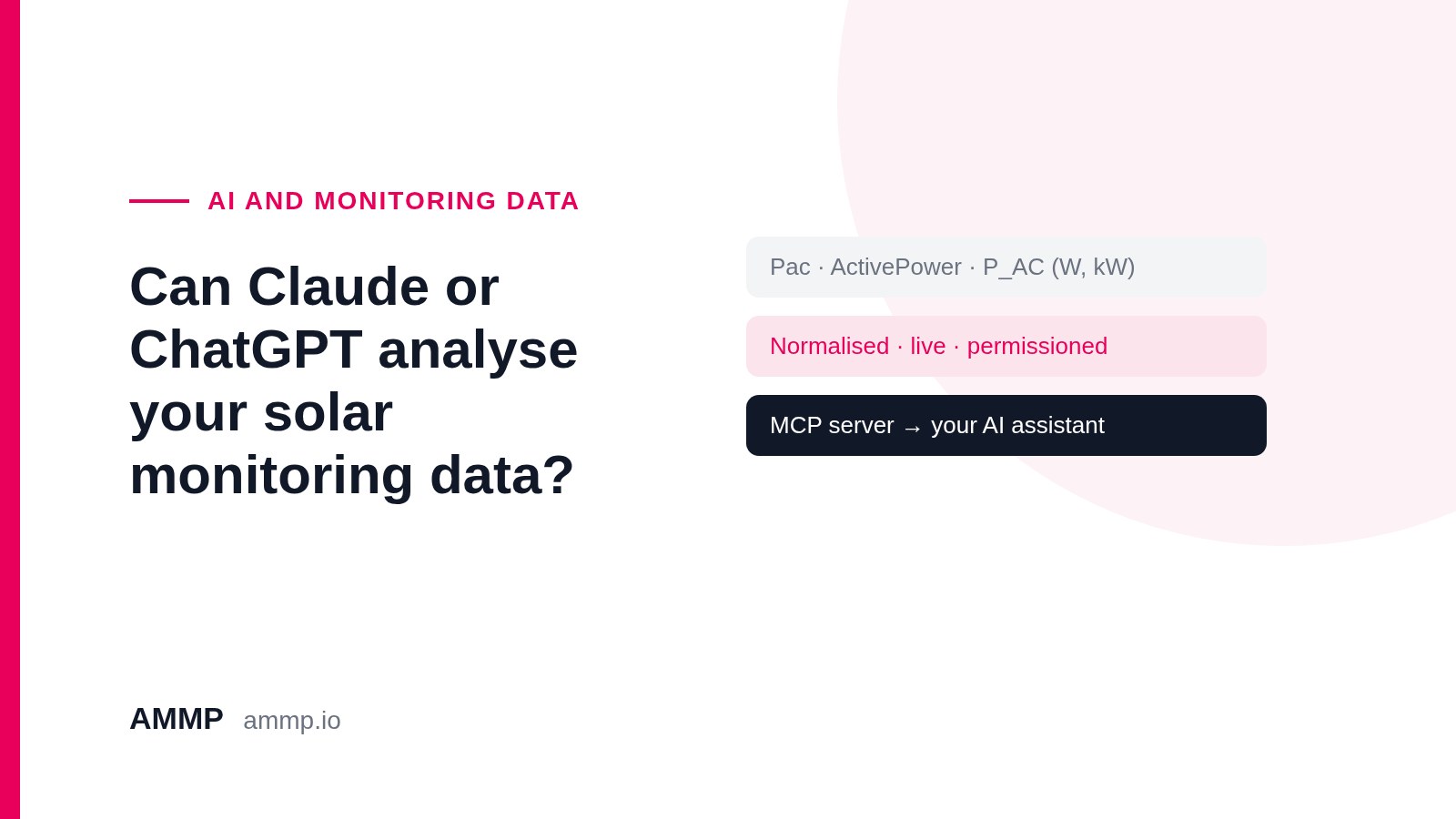
Many asset managers have tried pasting a monitoring export into an AI assistant. Sometimes the answer is excellent, and sometimes it's confidently wrong. The difference is usually the data, not the model.
What works
- One-off questions on a single clean export: "which month was lowest?", "chart this against last year".
- Drafting a summary or an email from numbers you've already checked.
- Explaining a concept, such as what performance ratio means or how clipping shows up.
Where it breaks at portfolio scale
- Different names for the same value. One brand's "Pac" is another's "ActivePower", and units differ (W, kW, kWh). The assistant can't always tell they're the same thing.
- Time zones. Exports in UTC, local time and portal time make daily totals drift.
- Gaps and backfills. Missing hours, late-arriving data and estimated values look like real readings in a spreadsheet.
- Confident answers from gaps. A model asked "why did site 12 underperform?" will offer a reason even when the real cause is missing data. It can't tell you what isn't in the file.
- Stale snapshots. Yesterday's export doesn't answer today's question.
- Access control. Uploading portfolio data to a personal chat account bypasses whoever decides who can see what.
How to do it properly
Give the assistant normalised, permissioned live data instead of files. There are two ways:
1. Connect your own AI assistant through an MCP server. The AMMP MCP server uses the open Model Context Protocol. Claude, ChatGPT, Copilot or an agent you build yourself (and other MCP clients that support remote servers) can query live portfolio data in one consistent format, with the same KPI calculations. Permissions follow the user's AMMP access, so nobody sees more than they already can.
2. Use a purpose-built agent. Ray, AMMP's AI coworker, works on the same normalised portfolio data. He checks sites daily, triages alarms and drafts reports, cites the evidence behind every answer and says when the evidence is incomplete instead of guessing.
You can use either, or both.
Frequently asked questions
Can I upload a monitoring export to ChatGPT or Claude?
For one-off questions on a clean export, yes. For portfolio work, normalised live data is more reliable.
What is an MCP server?
A standard way for AI assistants to query a system's data and tools directly, instead of working from uploaded files.
Does the AMMP MCP server respect permissions?
Yes. You sign in with your AMMP account, and your AMMP access controls what the assistant can see.